
How to create scans from digital photos or documents with Adobe Scan App
To create scans from photos or documents:
- Tap the photo image.
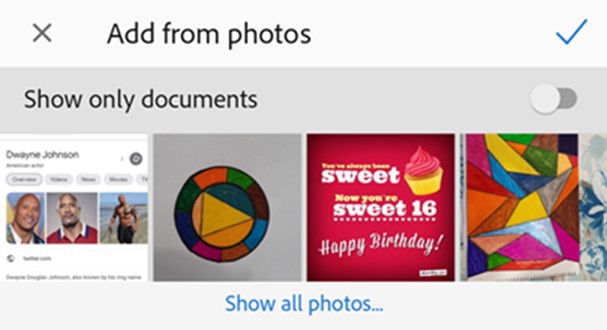
It opens the image gallery. To include photos or documents from other locations, tap Show all photos and tap on a location to view files.
- Tap one or more images to select them.
- Optionally, enable Show only documents to view only the documents. Tap one or more documents to select them.
- Tap the "check" icon to import the image/images as scan.
- Edit the scan if required and tap Save PDF.
You can also directly import images from your gallery. To do so, open your gallery, tap the share icon, and then tap the adobe icon. When the image opens in the scan app, edit, rename, and save your scan as usual.

 Print
Print 